Transcribing Voice Memos with whisper.cpp
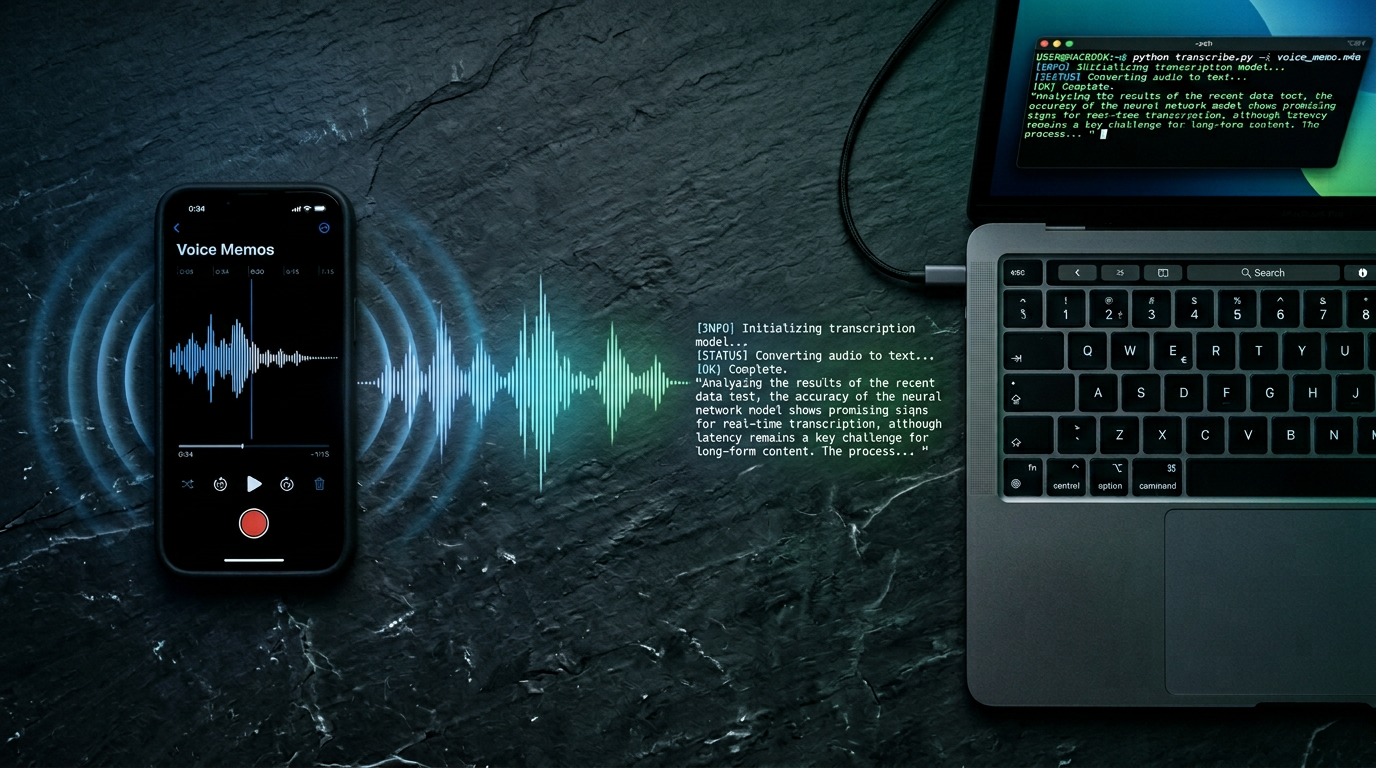
Transcribing Voice Memos with whisper.cpp on macOS
Ever recorded a long meeting on your iPhone with the Voice Memos app and wished you could get a clean text transcript without sending the audio to some cloud service? Here’s how to do it entirely locally on your Mac using whisper.cpp - free, private, and surprisingly fast on Apple Silicon.
What You Need
- A Mac with Apple Silicon (M1 or newer)
- Xcode Command Line Tools
- Homebrew
- The recording exported from Voice Memos (it comes out as a
.qtafile when dragged off)
Step 1 - Build whisper.cpp
Clone the repo and compile it. The make command handles everything and takes under a minute on Apple Silicon.1
1
2
3
git clone https://github.com/ggml-org/whisper.cpp
cd whisper.cpp
make -j
If
makeisn’t found, install Xcode Command Line Tools first:xcode-select --install
The compiled binary ends up at ./build/bin/whisper-cli in newer versions of the project.1
Step 2 - Download a Model
All Whisper models are free to download - no paywall, unlike GUI apps. For meeting transcription, large-v3-turbo is a great balance of speed and accuracy. If you need maximum accuracy and don’t mind waiting longer, use large-v3.2
1
2
3
4
5
# Fast and accurate
bash models/download-ggml-model.sh large-v3-turbo

# Maximum accuracy
bash models/download-ggml-model.sh large-v3
Step 3 - Convert Your Audio File
Voice Memos exports a .qta file. FFmpeg handles it natively - just convert it to a 16kHz mono WAV, which is the format Whisper expects.3
1
ffmpeg -i boardmeeting.qta -acodec pcm_s16le -ac 1 -ar 16000 meeting.wav
If you prefer, you can also export directly as M4A from the Voice Memos app on Mac (right-click → Share → Save to Files), which works identically.
Step 4 - Transcribe
1
2
3
4
./build/bin/whisper-cli -m ./models/ggml-large-v3-turbo.bin \
  -l en \
  -f meeting.wav \
  --output-txt --output-vtt
Use -l fr for French, or any other ISO 639-1 language code. The --output-txt flag produces a clean plain-text file, while --output-vtt adds timestamps - you can use both at the same time.
For feeding the transcript into an LLM afterward, use the .txt file - the VTT timestamp noise wastes tokens without adding value for summarization.
Fixing Hallucination Loops
On long recordings or sections with silence/background noise, Whisper can get stuck repeating the same phrase endlessly:
1
2
3
4
[00:06:00.020 --> 00:06:01.020]   So we can wait for the next question.
[00:06:01.020 --> 00:06:02.020]   So we can wait for the next question.
[00:06:02.020 --> 00:06:03.020]   So we can wait for the next question.
...
This is a known Whisper behavior triggered by silence or low-energy audio. There are two complementary fixes.1
Fix 1 - Strip Silence with FFmpeg
Pre-process the audio to remove silent sections before Whisper ever sees them:
1
2
3
ffmpeg -i meeting.wav \
  -af "silenceremove=stop_periods=-1:stop_duration=2:stop_threshold=-35dB" \
  meeting_clean.wav
Adjust -35dB to -40dB for a more conservative threshold (removes only very quiet sections) or -30dB to be more aggressive.
Fix 2 - Raise Detection Thresholds
Add entropy and probability thresholds to tell Whisper to discard repetitive or low-confidence output:
1
2
3
4
5
6
7
./build/bin/whisper-cli -m ./models/ggml-large-v3-turbo.bin \
  -l en \
  -f meeting_clean.wav \
  --output-txt --output-vtt \
  --entropy-thold 3.4 \
  --no-speech-thold 0.8 \
  --logprob-thold -0.5
Using both fixes together (cleaned audio + thresholds) is the most robust approach for board meetings and other long recordings.
Handling Very Long Recordings (4+ Hours)
Whisper can degrade on very long files. The most reliable solution is to split the audio into chunks and transcribe each one separately:1
1
2
3
4
5
6
7
8
9
10
11
12
13
14
15
16
# Split into 30-minute chunks
ffmpeg -i meeting_clean.wav \
  -f segment -segment_time 1800 -c copy chunk_%03d.wav

# Transcribe all chunks
for f in chunk_*.wav; do
  ./build/bin/whisper-cli -m ./models/ggml-large-v3-turbo.bin \
    -l en -f "$f" \
    --output-txt \
    --entropy-thold 3.4 \
    --no-speech-thold 0.8 \
    --logprob-thold -0.5
done

# Merge transcripts
cat chunk_*.wav.txt > full_transcript.txt
This also has the benefit that a bad section in one chunk won’t affect the rest of the transcription.
Model Comparison
| Model | Speed (Apple Silicon) | Accuracy | Best For |
|---|---|---|---|
base | Very fast | Low | Quick drafts, testing |
small | Fast | Medium | Short, clear recordings |
large-v3-turbo | ~4x real-time | High | Most meetings |
large-v3 | ~1x real-time | Highest | Maximum accuracy needed |
For a 1-hour meeting, large-v3-turbo takes roughly 15 minutes while large-v3 can take closer to 60 minutes.
What’s Next
Once you have the .txt transcript, you can pipe it straight into a local LLM (Ollama works great) to generate formal meeting minutes:
1
2
3
ollama run llama3 "Generate formal meeting minutes from this transcript:

$(cat full_transcript.txt)"
Everything in this workflow runs 100% locally - no API keys, no cloud uploads, no subscriptions.